
Signal Roundup — 24 July 2026
Five items this week: passkeys become the default in Microsoft Entra ID as Microsoft-provided SMS and voice retire, a new Purview DLP rule blocks file sharing with named domains and users, Microsoft's Q2 2026 email threat report, a permissions-creep limit that can break the Microsoft Graph PowerShell SDK, and a CISO's guide to governing agentic AI.
Passkeys become the default in Entra ID as SMS and voice retire
Microsoft has confirmed passkeys will become the default sign-in experience in Microsoft Entra ID from 1 September 2026, and it will retire Microsoft-provided SMS and voice authentication on 1 February 2027. Users currently enabled for SMS or voice are automatically enabled for passkeys and prompted to register one at their next multifactor prompt; after the retirement date those prompts become mandatory with no opt-out. Tenants that still need telephony for a genuine requirement will have to configure a third-party telecom provider through the Microsoft Security Store, available from 30 October 2026. Start mapping who still depends on SMS or voice now, plan the passkey rollout and fallback methods, and budget for a telecom provider only where a real need remains.
Sources: Microsoft Security Blog — Passkeys are the default authentication method in Entra ID, Office 365 for IT Pros — No More SMS One-Time Codes and Voice Calls from Entra ID
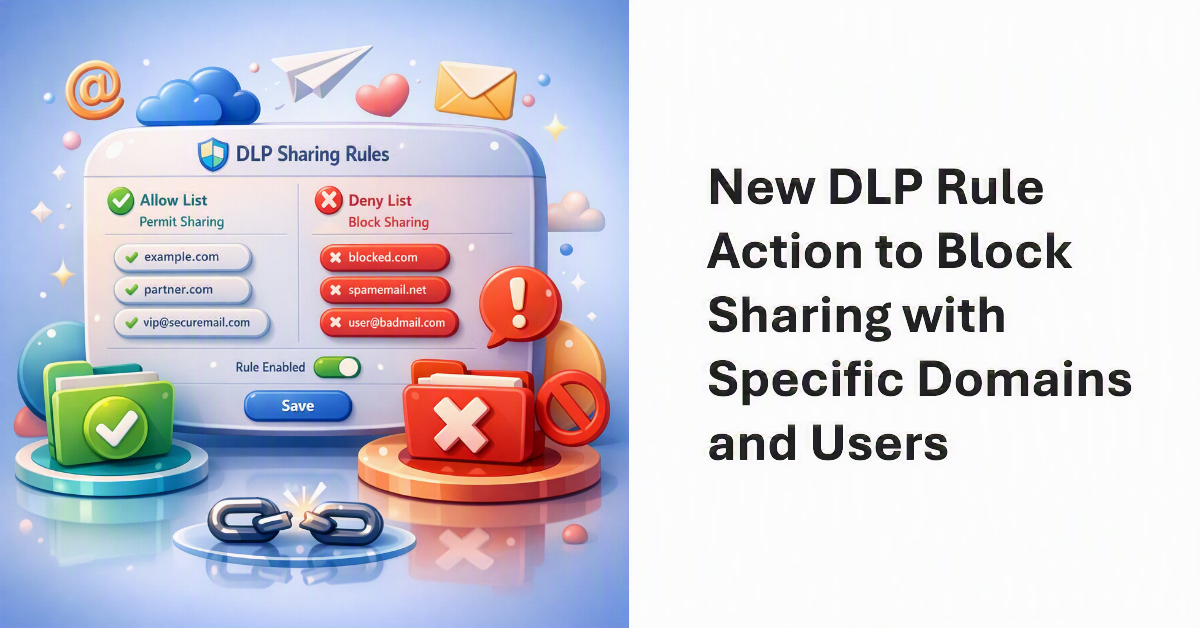
Purview DLP can now block file sharing with specific domains or users
A new Data Loss Prevention rule lets you stop SharePoint Online and OneDrive for Business files being shared with named external domains or individual email addresses, configured through allow and deny lists. This is more precise than the tenant-wide external sharing switches, so you can keep collaboration open with trusted partners while blocking known-risky or competitor domains. It is useful where a client needs to demonstrate that data cannot flow to particular destinations. Test the rule in simulation mode before enforcing, and confirm it complements rather than conflicts with existing sharing controls.
Source: Office 365 for IT Pros — Purview DLP Blocks Sharing Files with Specific Domains or Users

Microsoft's Q2 2026 email threat report shows phishing shifting tactics
Microsoft's quarterly email threat review reports that phishing volume tied to the Tycoon2FA platform fell 92 percent from pre-disruption averages after its takedown action, while attackers lean further into QR-code lures, CAPTCHA-gated pages, and phishing delivered through Microsoft Teams. The data is a useful reference point for anti-phishing posture reviews and user-awareness planning. Check that your Defender for Office 365 configuration accounts for QR-based and Teams-delivered threats, not just classic email links.
Source: Microsoft Security Blog — Email threat landscape: Q2 2026 trends and insights
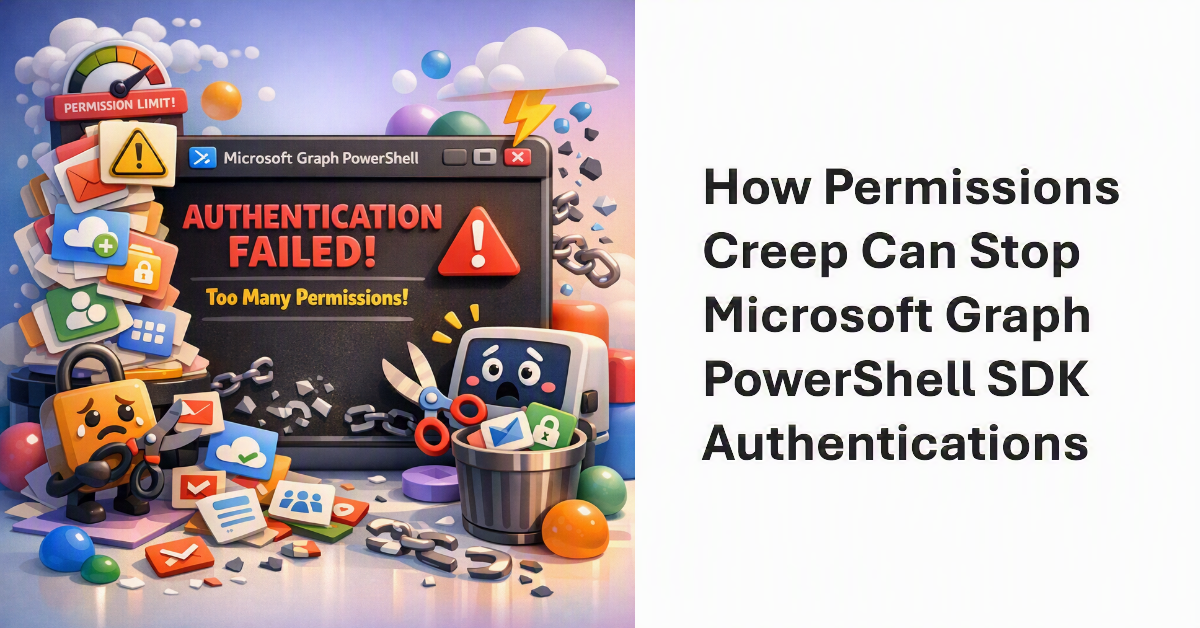
Permissions creep can quietly break the Microsoft Graph PowerShell SDK
Delegated permissions accumulate on the shared Microsoft Graph Command Line Tools service principal every time someone consents to a new scope, and once the tenant reaches an internal ceiling of roughly 140 permissions, new connections start failing. The fix is to review and prune the consented permissions on that service principal rather than keep adding more. If your automation or admin scripts depend on Connect-MgGraph, this is worth checking before it surfaces as an outage. For unattended work, consider a dedicated app registration scoped to only the permissions that job actually needs.
Source: Office 365 for IT Pros — How Permissions Creep Can Halt the Microsoft Graph PowerShell SDK

A CISO's guide to governing agentic AI
Anthropic's deputy CISO sets out a practical framework for adopting AI agents without hand-waving the risk: four questions to size up any agent (what untrusted content it ingests, what actions it can take, its blast radius, and what you can observe) and seven technical controls, including identity through your identity provider, connector allowlists, per-tool approval gates, sandboxed execution, egress allowlisting, telemetry into your SIEM, and an organisation-wide kill switch. It is a useful checklist for anyone advising clients on where agents fit and how to bound them. The same least-privilege and monitoring principles you already apply to service accounts map cleanly onto agents.
Source: Anthropic — Zero risk isn't the job: a CISO's guide to agentic AI